Mobile app heatmaps
Mobile app heatmaps for the web screens in your app.
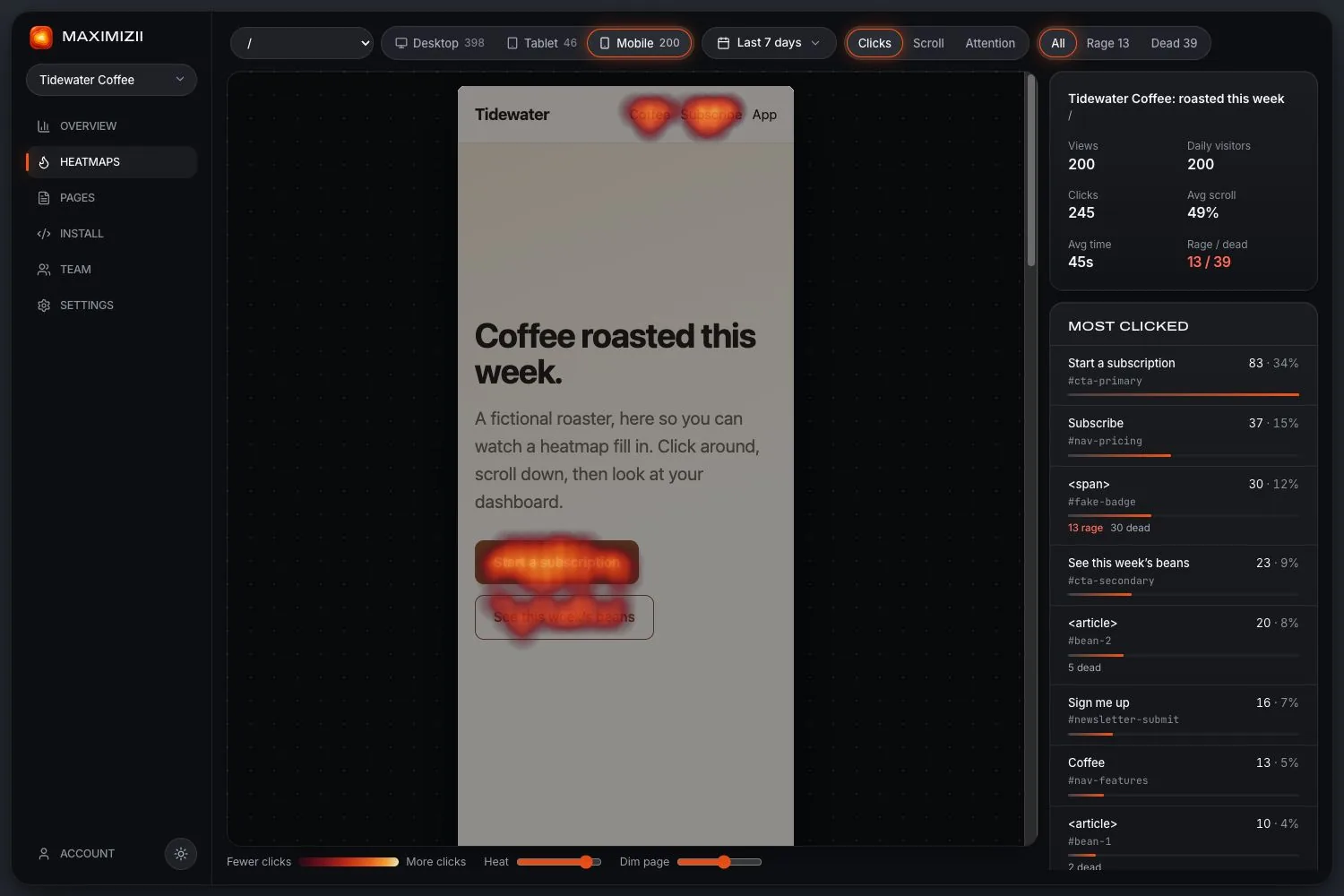
If part of your app is a webview, Maximizii can map it: where people tap, how far they scroll, and which taps did nothing. One thing to know first: it sees web pages, not native screens.
In short
Maximizii draws tap and scroll heatmaps for web pages shown inside a mobile app, with setup for iOS, Android and React Native. It can’t see native screens built with SwiftUI, UIKit or Jetpack Compose. If your app is mostly native, look at a tool with a native SDK instead.
Does this fit your app?
For native screens, tools with a native SDK are the better fit, such as UXCam, Microsoft Clarity or FullStory.
Touch needs its own rules
A heatmap built for a mouse goes wrong on a phone, because most touches are people scrolling. Maximizii works out what each touch turned out to be:
- A touch within 300 ms of any scrolling isn’t a tap.
- A pinch, or a second finger, isn’t a tap.
- The first half of a double tap to zoom isn’t a tap.
- A tap only counts as “dead” if the thing tapped looked pressable. Tapping empty space to stop a scroll is normal.
Set up on iOS
Add the script to your WKWebView before loading your page. There are versions for Android and React Native in the dashboard, with your site’s id filled in. See webview analytics for pages bundled inside the app.
let source = "var s=document.createElement('script');s.async=true;s.src='https://d3hkloc4hxgq2b.cloudfront.net/t.js';s.dataset.site='mz_yoursiteid';s.dataset.platform='webview';document.head.appendChild(s);"
let script = WKUserScript(source: source, injectionTime: .atDocumentEnd, forMainFrameOnly: true)

let configuration = WKWebViewConfiguration()
configuration.userContentController.addUserScript(script)
let webView = WKWebView(frame: .zero, configuration: configuration)
Questions
Can heatmaps work in a mobile app?
Yes, in two different ways. Tools with a native SDK can map native screens. Maximizii maps web pages inside a webview, which suits apps that are partly or wholly web.
Does it need an SDK?
No. There’s no SDK to add or update, only a script injected into the webview. That also means it can’t see anything outside the webview.
Do I need to release a new app version?
Usually yes, once, to add the script to your webview. If your app loads pages from your server and you can add the snippet to those pages, you may not need one.
Is this the same as a mobile website heatmap?
Close. A mobile website heatmap comes from the normal snippet, and phones get their own view automatically. Webview screens are also marked as webview, so you can see them separately in your platform numbers.
Keep reading
- Webview analyticsClicks, scrolls and traffic from webviews, including pages bundled inside your app.
- UXCam alternativeUXCam is for native apps. Maximizii is only an alternative if your app is web inside.
- Smartlook alternativeSmartlook is winding down, and closes in September 2027. What to do, and when we fit.
- Dead clicksClicks where nothing happens: why they matter, and how they’re measured.
- Scroll mapsHow far down people get, how many reach each depth, and where the fold falls.
- Click mapsSee what people click, ranked by element, with labels and selectors.
Find out where they click.