Heatmap tool
A heatmap tool that only does heatmaps.
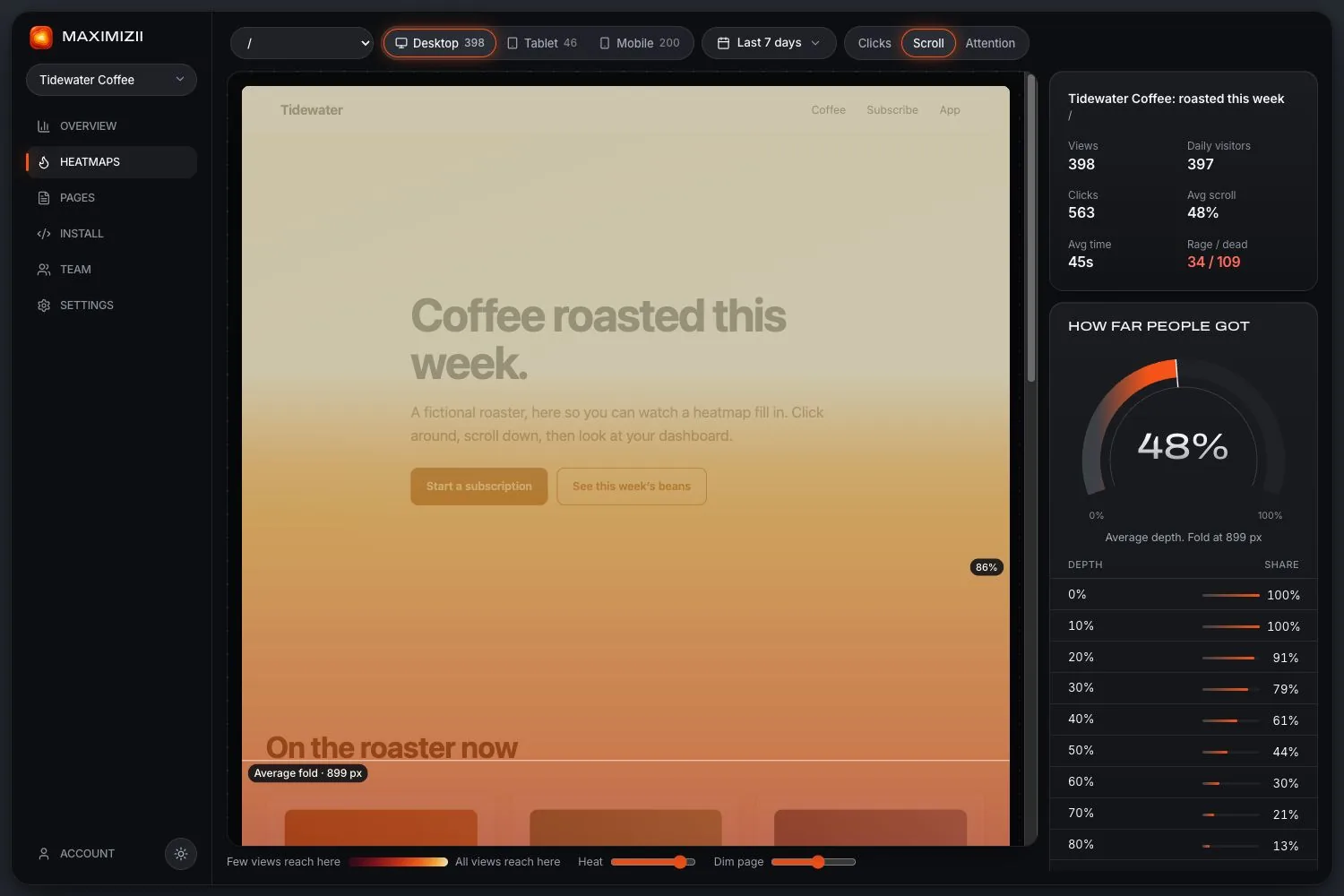
Most heatmap software comes as one feature of a bigger suite. Maximizii is the opposite: a small script, three maps, and nothing recording individual visitors.
In short
The right heatmap tool depends on what else you need. If you want session replay, surveys or experiments in one place, choose a suite. If you want accurate maps from a light script with no cookies, including inside webviews, that’s what Maximizii is for.
What to check when you choose
When a bigger tool is the better pick
- You need to watch individual sessions to reproduce a bug or follow one person’s path. Maximizii has no replay.
- You want surveys, funnels or experiments in the same place as your maps.
- You need to compare segments on a map, such as ad traffic against organic. Maximizii’s maps split by page, device and date range only.
- Your app is mostly native screens. Maximizii sees web pages, not native views.
Our comparison pages go through the main tools one at a time.
When Maximizii is the better pick
- You care what your script costs in page weight and in consent work.
- You’d rather not hold recordings of people using your site.
- You build for developers’ eyes: maps come with selectors, pixels and paths, not just colours.
- You have webview screens in an app and want them measured the same way as your site.
Questions
What is the best heatmap tool?
It depends on what else you want from it. Suites suit teams who also want replay and surveys in one place. Maximizii suits teams who only want maps, with a light script, no cookies and webview support. Check the table above against what you need.
What’s the difference between heatmap software and analytics?
Analytics counts things: how many views, from where. Heatmap software shows where on a page things happened. Most teams use both. Maximizii includes basic traffic numbers, but it isn’t a full analytics replacement.
Do I need a developer to install it?
Not if you can edit your site’s head or use Google Tag Manager. It’s one line. Setting it up in a mobile app’s webview does need a developer.
Can I try it before paying?
There’s no paid plan yet, so there’s nothing to pay. Each account gets 10 sites, 2 million events a month per site, 2,000 pages per site and 90 days of data.
Keep reading
- Website heatmapsClick, scroll and attention maps over a picture of your real page, from one line of code.
- Free heatmap toolNo paid plan yet: what you get today, what the limits are, and the other free options.
- Hotjar alternativeNew Hotjar accounts now go to Contentsquare. A smaller option, if you only need maps.
- Crazy Egg alternativeCrazy Egg adds A/B tests and more map views. Maximizii adds webviews and no cookies.
- Heatmaps vs session replayWhat each is for, what each costs, and why we built only one of them.
- How to read a heatmapCheck the sample, read each map in turn, and turn what you see into a change.
Find out where they click.