Shopify heatmaps
A Shopify heatmap: see what shoppers actually do.
Paste one line into your theme. See what people click on product pages, how far they scroll, and what they try to tap on a phone that doesn’t work.
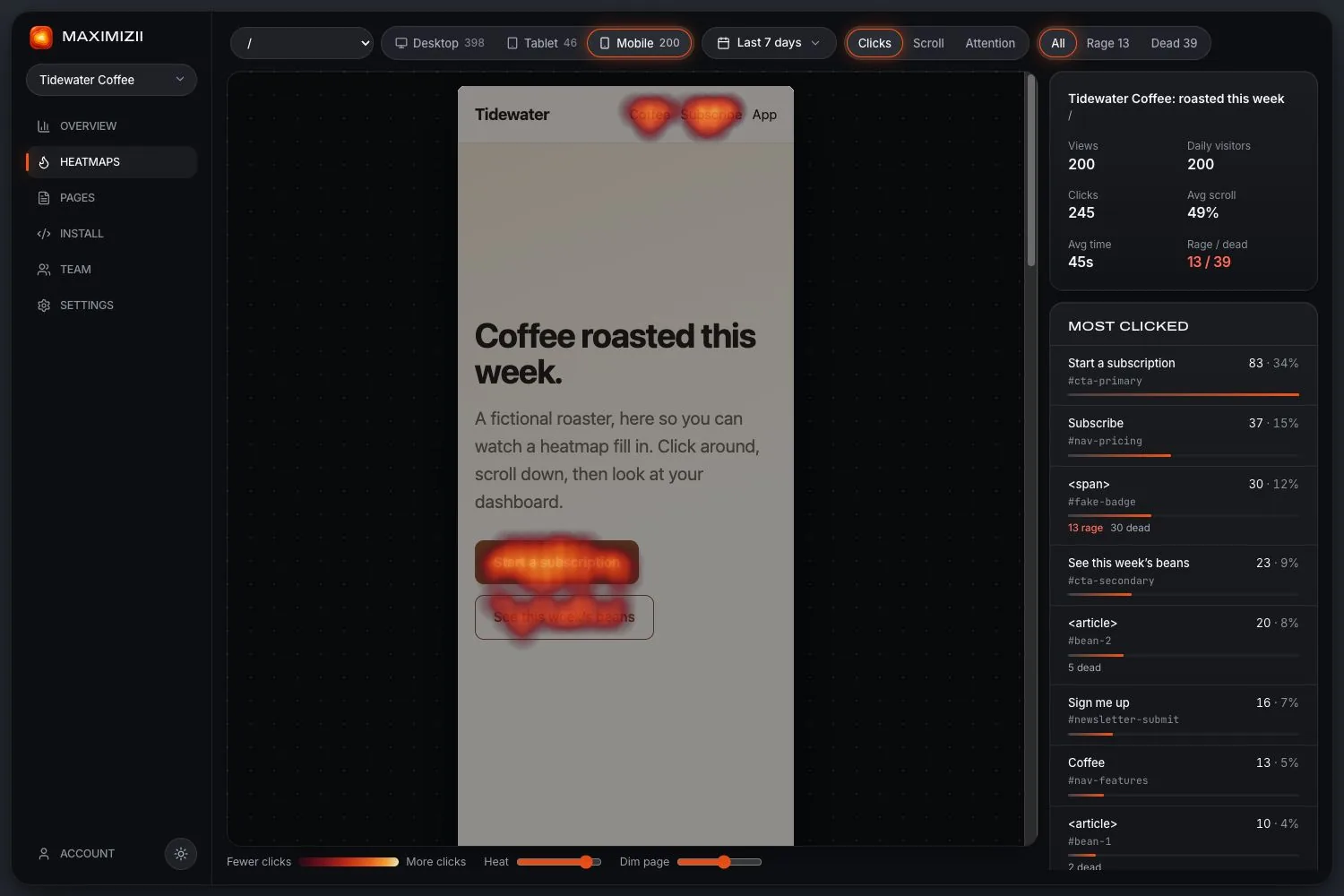
In short
To add a heatmap to Shopify, paste Maximizii’s one-line script into your theme’s theme.liquid, before the closing head tag. It covers your theme’s pages: home, collections, products and content. It doesn’t cover Shopify’s checkout, since theme code doesn’t run there.
Add it to your theme
Open your theme’s code
In Shopify, go to Online Store, then Themes, then Edit code, and open
theme.liquid.Paste the line
Put it just before
</head>, and save. It’s worth keeping a copy of your theme first.Visit your store
Your site in the dashboard turns green by itself. Use your store’s domain when you add the site, and allow your
.myshopify.comaddress too if you use it.
<script async src="https://d3hkloc4hxgq2b.cloudfront.net/t.js" data-site="mz_yoursiteid"></script>What to look at on a store
Product images
Do people tap photos expecting to zoom? If those are dead clicks on a phone, you’ve found a quick win.
Reach of the buy button
Check the fold on phones. If Add to cart sits below it, many shoppers need to scroll first.
Size charts and details
Clicks on them show what people want to know before they buy. Attention shows if they read it.
Group product pages
Add /products/* under “Group pages” in Settings, to see all your products as one map.
What’s not covered
Shopify’s checkout doesn’t run theme code, so Maximizii won’t see it. Maps can’t be filtered by campaign or by whether someone bought, either. For consent, if your store uses a cookie banner, call maximizii.consent(true) when a shopper agrees: here’s how consent works.
Questions
Is there a Shopify app?
Not at the moment. It’s one line in your theme, and it takes a couple of minutes.
Does it work at Shopify checkout?
No. Theme code doesn’t run on Shopify’s checkout, so maps stop at the cart.
Can I see all product pages together?
Yes. Add /products/* under “Group pages” in Settings, and they’ll share one map.
Will it slow down my store?
It’s under 6 KB gzipped and loads async, so it shouldn’t have a noticeable effect on your store’s speed.
Keep reading
- WordPress heatmapsHeatmaps on a WordPress site, with no plugin to install or update.
- Landing page heatmapsIs your main button seen and clicked? Check before you spend more on traffic.
- Dead clicksClicks where nothing happens: why they matter, and how they’re measured.
- Scroll mapsHow far down people get, how many reach each depth, and where the fold falls.
- Click mapsSee what people click, ranked by element, with labels and selectors.
- Website heatmapsClick, scroll and attention maps over a picture of your real page, from one line of code.
Find out where they click.